BGMI Name Compatibility Checker
Test if your custom font, symbols, or styled name will actually work in BGMI before wasting your 180 UC Rename Card.
Enter Your Name
Paste or type any stylish BGMI name with fonts, symbols, or emojis.
Instant Analysis
We check character count, broken glyphs, and Zalgo marks in real time.
Copy & Use
If it passes, copy and paste directly into your BGMI Rename Card.
Enter a name above to check compatibility
We will verify length, font encoding, and symbol support for BGMI (Battlegrounds Mobile India).
No broken emojis or illegal glyphs
Safe to paste in BGMI rename card
Glyph-by-Glyph Inspector Hover any glyph to see details
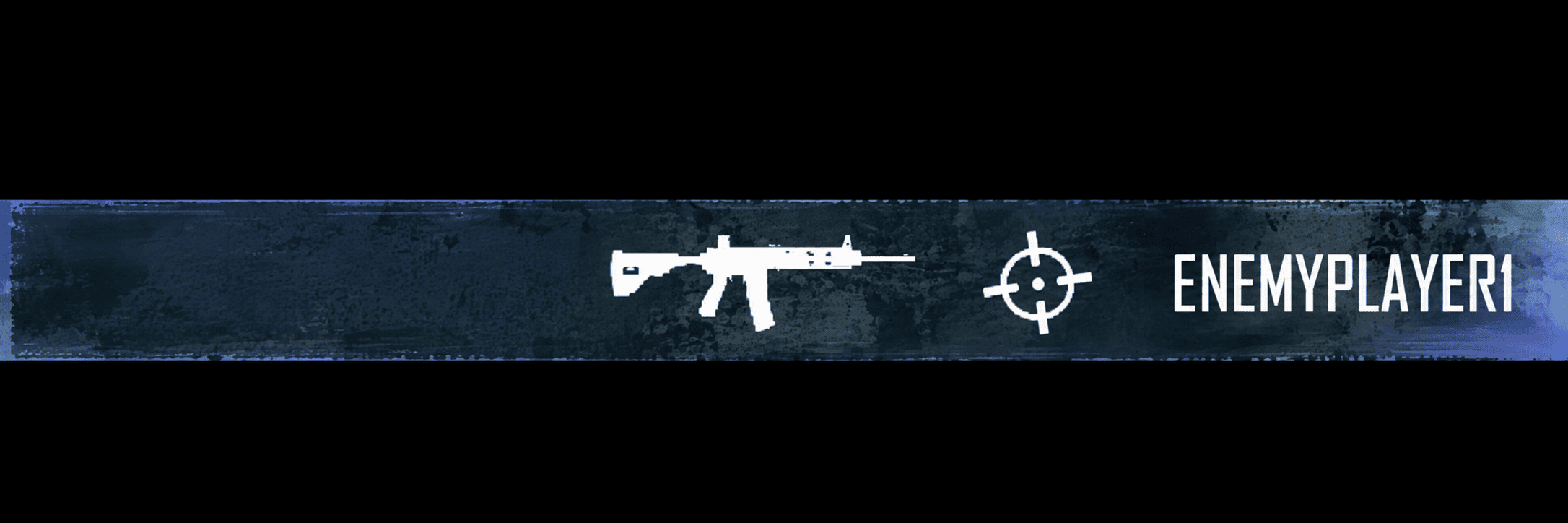
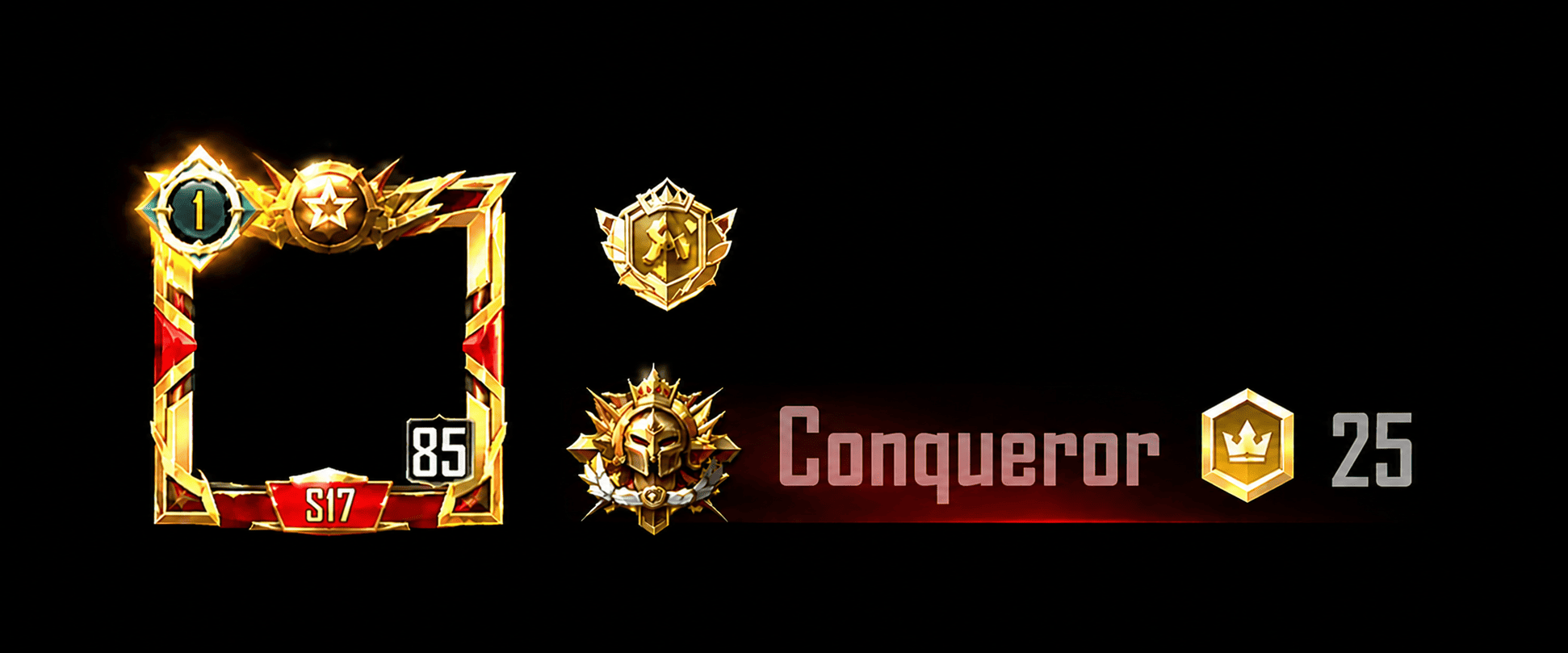
In-Game BGMI Live Mockup
Preview how your name will visually render inside the real BGMI Kill Feed and Lobby Profile Banner.
Frequently Asked Questions About BGMI Names
BGMI allows a maximum of 14 characters in in-game player names (IGN). Names exceeding 14 characters will be blocked when trying to confirm a Rename Card.
BGMI uses the Unreal Engine 4 font renderer. Fonts with multi-byte complex zero-width joiner emojis or unsupported ancient Unicode scripts will fail to render and show up as missing boxes or [?]. Mathematical Alphanumeric Unicode fonts (Bold, Script, Fraktur) and standard Asian brackets work safely.
Invisible names use the special Hangul Filler character (ㅤ Unicode U+3164). When pasted into BGMI, the game registers it as a valid character without displaying any visible text.
A Rename Card costs 180 UC in the in-game shop. You can also get free Rename Cards by completing Progress Missions (Level 10) or returning to the game after 30 days of inactivity (Returner Event).
BGMI safely supports Tibetan/Balinese decorators (꧁ ꧂ ༺ ༻ ༒), CJK brackets (【】「」), common CJK ideographs (亗 么 彡), basic emojis (⚡ 🔥 👑 🐲), and Mathematical Alphanumeric fonts (Bold, Italic, Script, Fraktur). Avoid Zalgo combining marks and obscure ancient Unicode blocks.
This tool checks compatibility (whether BGMI's engine will accept and render the name), not availability. To check if a name is taken, open BGMI, go to Profile → Edit → Rename, and try entering the name. The game will tell you if it's already in use.